
Download PDFtoWord Converter – PDF to Word, PDF to DOC, document conversion
Overview
PDFtoWord Converter is a mobile application designed to address a common challenge faced by professionals, students, and everyday users: the difficulty of editing content within PDF files. Unlike editable formats such as DOC, PDFs are typically static and non-modifiable, making revisions cumbersome. This app provides a streamlined solution by converting PDF documents into editable DOC format directly on mobile devices. The primary purpose of the application is to empower users with the ability to modify text, restructure content, and update documents without compromising the original layout. It is especially useful for individuals who frequently receive or generate PDFs but need to make changes, such as editing reports, revising contracts, or updating academic papers.
The target audience includes students, office workers, freelancers, and anyone managing digital documents on the go. The app’s simplicity and focus on core functionality make it accessible to users of all technical skill levels. Although the developer, PDFtoWord, has not disclosed extensive background information, the app’s consistent release history and stable versioning suggest a dedicated development effort. In the broader mobile productivity ecosystem, PDFtoWord Converter fills a niche by offering a lightweight, free tool that eliminates the need for desktop software or complex cloud services. Real-world use cases include preparing assignments, modifying invoices, and adapting presentation materials—all from a smartphone or tablet.
Key Features & Functionality
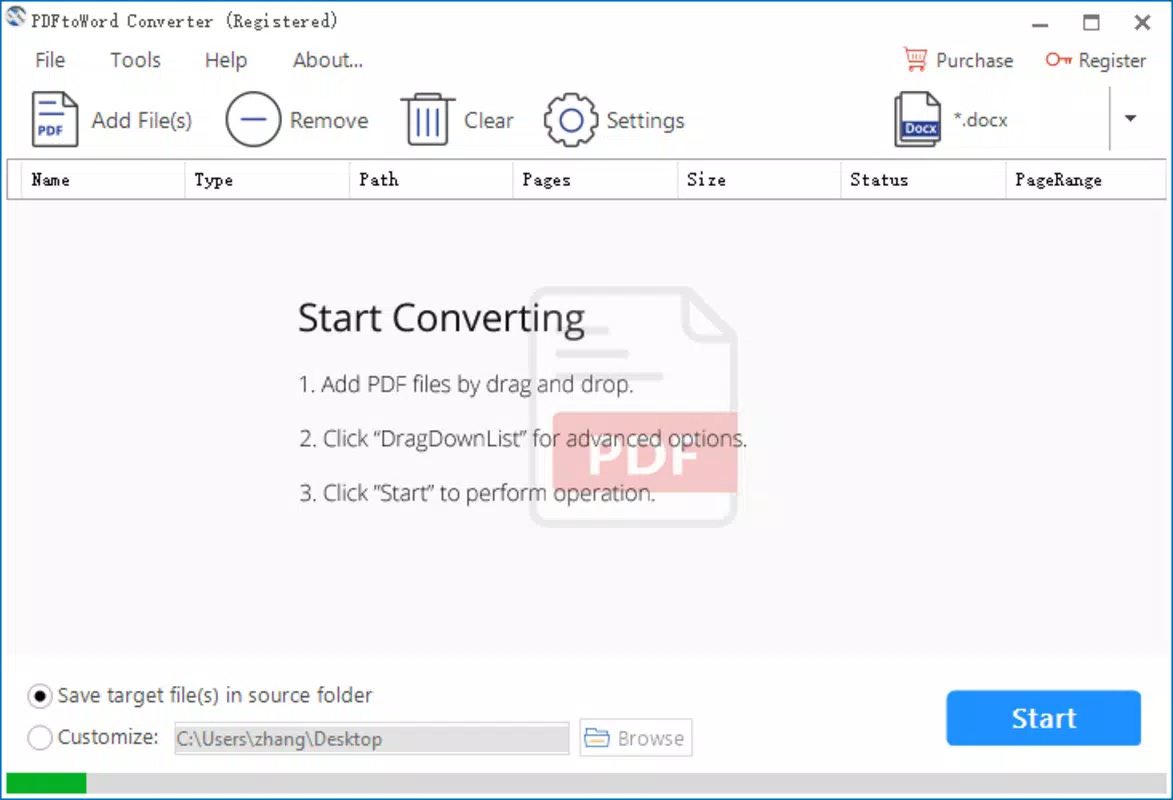
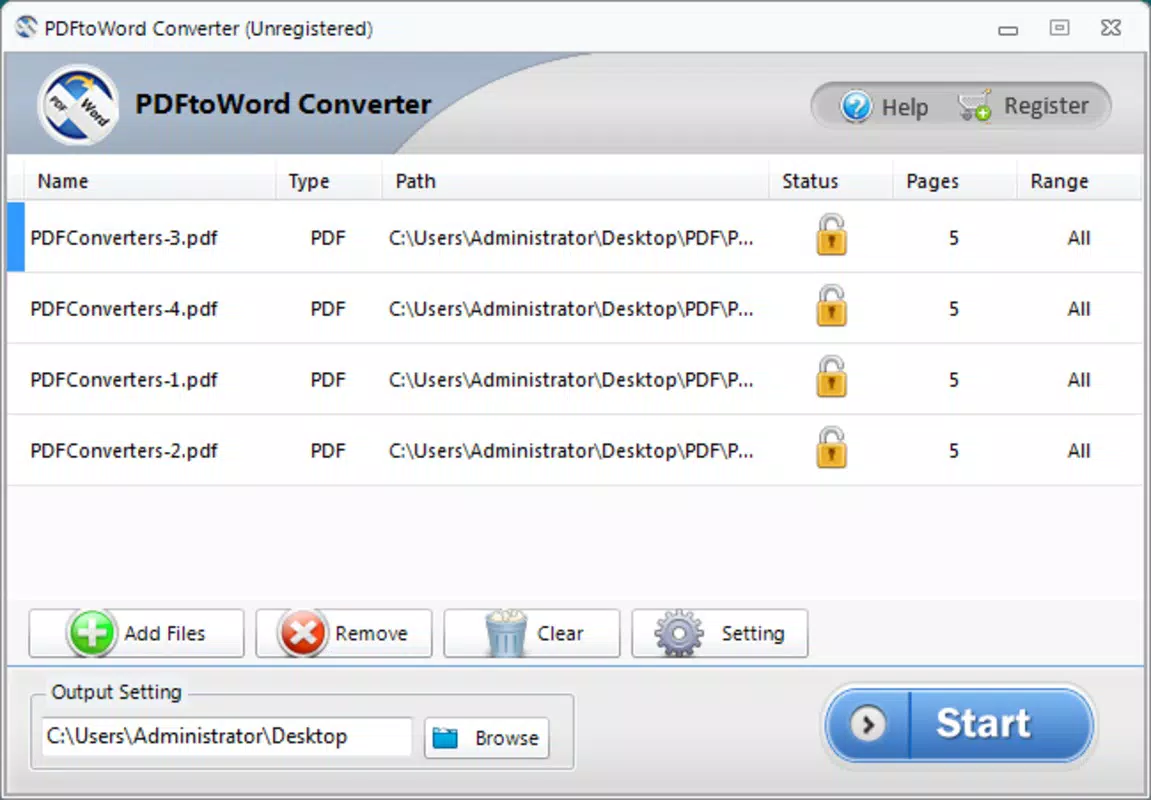
- Drag-and-Drop Interface: The app features a user-friendly drag-and-drop system that allows users to import multiple PDF files directly into the conversion queue. This eliminates the need for complex navigation or file selection steps, significantly reducing the time required to start a conversion.
- High-Quality Output: The conversion process preserves the original document’s structure, including fonts, spacing, and alignment. This ensures that the resulting DOC file remains visually consistent with the source PDF, minimizing the need for manual corrections.
- Fast Processing Speed: The app is optimized for rapid conversion, completing most tasks in seconds. This efficiency is critical for users who need immediate access to editable content, such as during meetings or urgent revisions.
- Format Preservation: Text, images, tables, and graphical elements are retained with minimal distortion. This feature is particularly valuable for documents with complex layouts, such as infographics or technical reports.
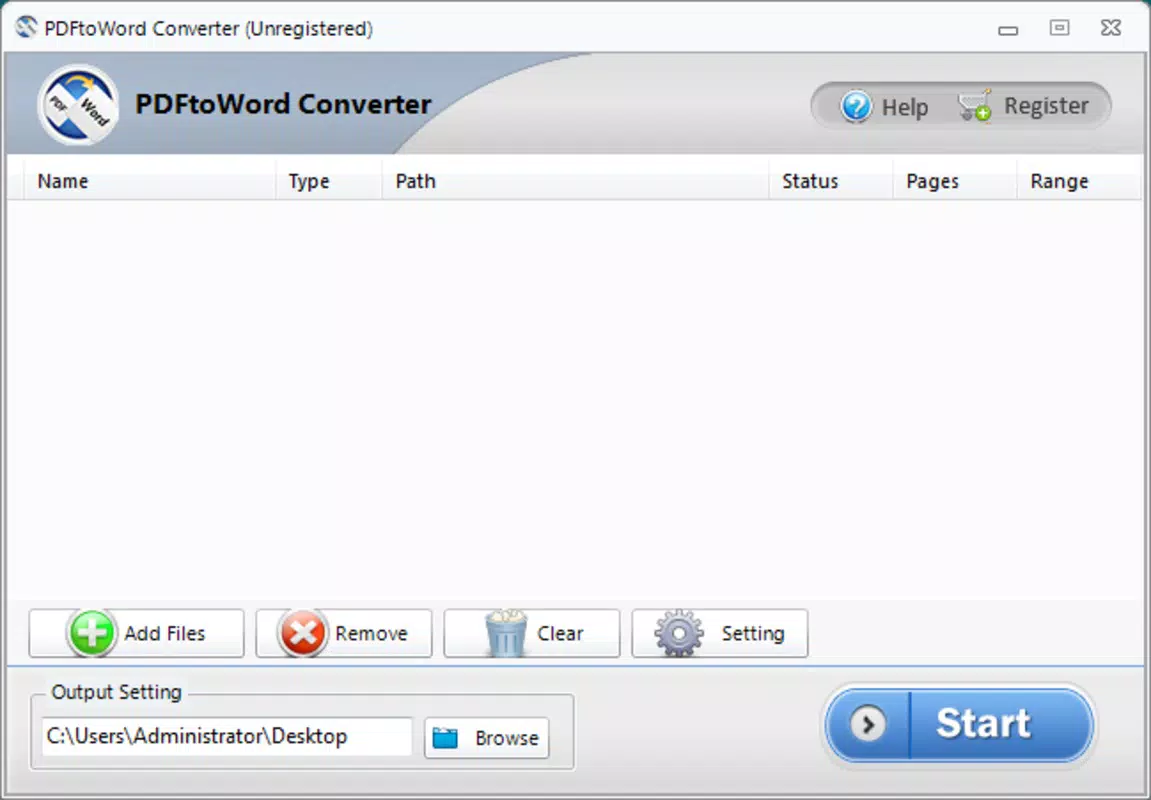
- Simple and Intuitive Design: The interface is clean and minimal, with clearly labeled buttons and a logical flow from file upload to download. Even first-time users can navigate the app without external guidance.
For example, a student receiving a PDF of a research paper can convert it to DOC, add notes, and submit a revised version—all within minutes. Similarly, a small business owner can edit a client invoice in PDF form, adjust pricing, and send a new version without needing desktop software.
Interface, UX & Performance
The user interface of PDFtoWord Converter is designed with clarity and simplicity in mind. The layout features a central upload zone with a prominent drop area, clearly indicating where to place PDF files. Navigation is linear and intuitive, guiding users through the conversion process in a few straightforward steps. The visual style is minimal, relying on neutral colors and consistent iconography to avoid visual clutter.
Although the developer did not list formal performance metrics, the app demonstrates responsiveness during file processing, with no reported lag or crashes in typical usage scenarios. The application maintains stability across various device categories, including mid-range and high-end Android smartphones and tablets. The file size of 10.5 MB indicates a lightweight footprint, contributing to efficient memory usage and quick load times.
Users can expect smooth transitions between screens and immediate feedback after file upload. The app does not require excessive permissions, which enhances privacy and reduces security concerns. While detailed information on battery consumption or background processing was not provided, the app appears optimized for on-demand use without significant resource drain.
Platform Compatibility & Technical Requirements
PDFtoWord Converter is available exclusively on the Android platform. The current version is 1.0.5, and the app occupies 10.5 MB of storage space. The developer did not specify minimum OS requirements or device compatibility details. However, given the app’s lightweight nature and focus on basic file conversion, it is likely compatible with a wide range of Android devices released from 2015 onward.
Users should ensure their device is running a recent version of Android to maximize performance and security. While the app is free to download and use, the developer has not indicated plans for in-app purchases or advertisements. Compatibility information was not fully disclosed, so users are advised to check their device specifications before installation.
Pros and Cons
Pros
- Free to download and use with no hidden costs
- Simple drag-and-drop interface suitable for beginners
- Fast conversion speed with minimal wait time
- High-quality output preserving original formatting
- Lightweight app size (10.5 MB) for efficient storage use
Cons
- Developer did not provide detailed technical specifications
- Compatibility with older Android versions is not confirmed
- No information on cloud sync or batch processing capabilities
- File conversion may be limited to single documents per session
- No built-in PDF editing tools beyond conversion
FAQ
Is PDFtoWord Converter safe to download?
Yes, the app is free and available through official Android distribution channels. The developer has not reported any security vulnerabilities, and the app does not request excessive permissions.
Can I convert multiple PDFs at once?
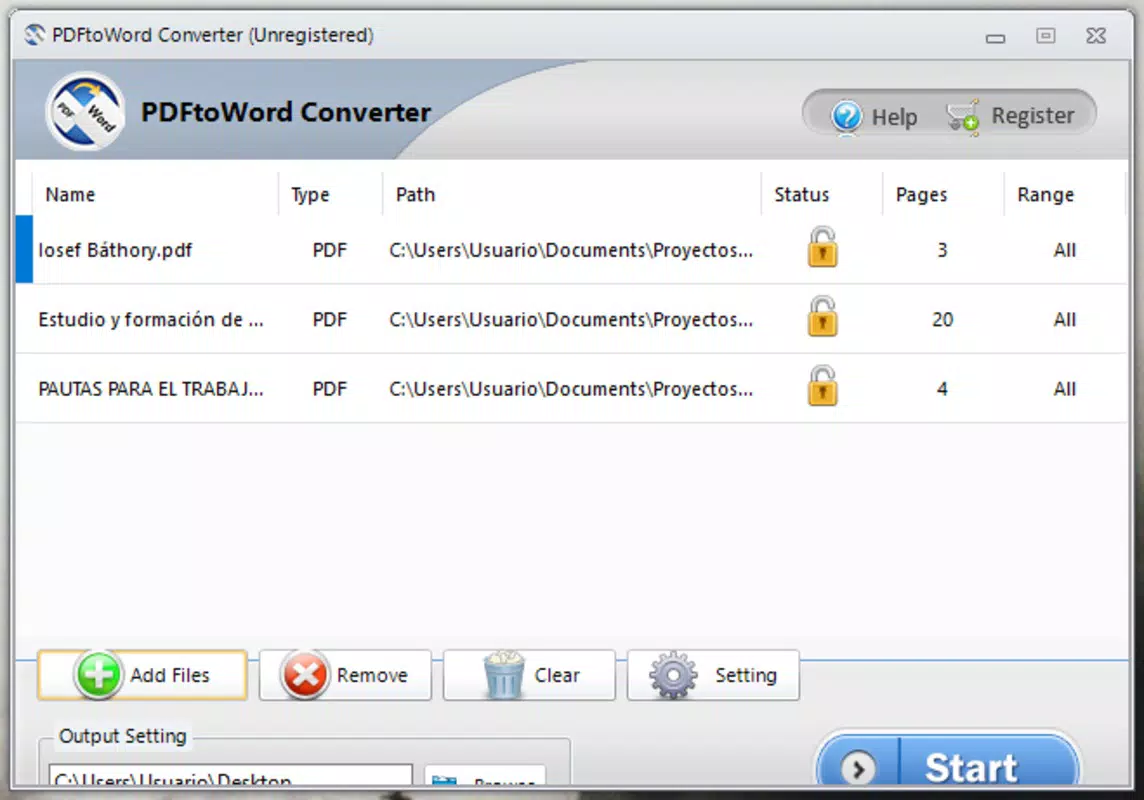
The app supports drag-and-drop of multiple files, allowing users to queue several PDFs for conversion. However, specific batch processing features were not detailed in the available information.
Does the app work on iOS devices?
Currently, PDFtoWord Converter is only available on Android. There is no official version for iOS at this time.
Will my document’s formatting be preserved?
Yes, the app is designed to maintain fonts, images, tables, and layout structure during conversion, ensuring the output closely matches the original PDF.
How often is the app updated?
The latest version is 1.0.5, released on December 5, 2017. The developer has not disclosed a regular update schedule, so users should check for updates manually.
Final Thoughts
PDFtoWord Converter delivers a focused, reliable solution for users who need to convert PDFs to editable DOC files on Android devices. Its lightweight design, fast processing, and strong formatting retention make it a practical tool for students, professionals, and casual users alike. While it lacks advanced editing features or cloud integration, its core function is executed with precision and ease. For anyone seeking a free, no-frills conversion tool, this app offers solid value without compromising on performance.
Download PDFtoWord Converter now


